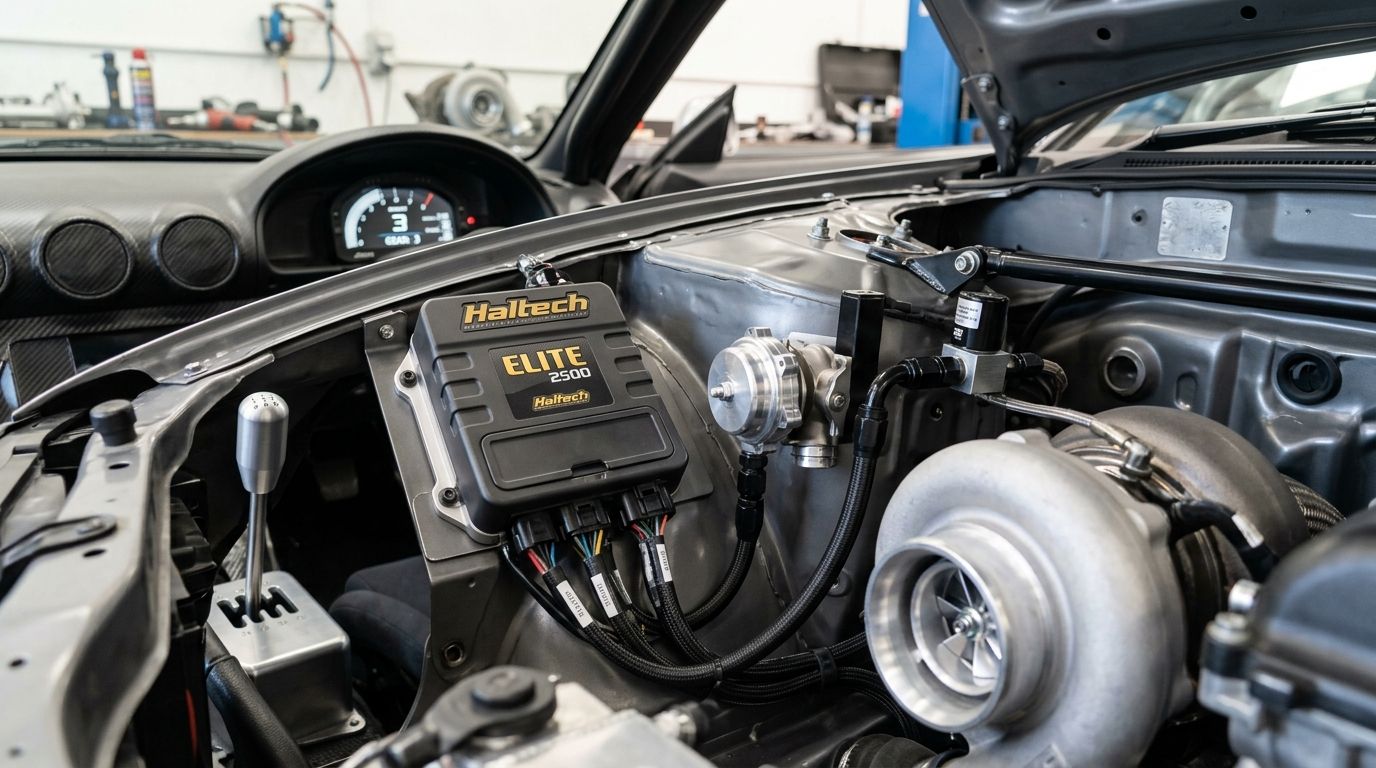
Boost that doesn't know what gear you're in either underboosts top gear or overboosts first and spins the tyres off the car. A Haltech Elite ECU can read gear position and apply a different boost target for each ratio, so instead of running one flat target across the whole rev range, you get a table that hands out less boost low down and full boost once the car's hooked up in third, fourth and beyond.
- Haltech boost control by gear uses a Gear channel as a table axis in ECU Manager, not a separate function.
- Elite ECUs need either a CAN gear position signal or a calculated gear ratio channel before the boost table can reference gear.
- Set lower boost targets in 1st and 2nd gear and step up from 3rd onward to protect traction and the driveline.
- A miscalibrated calculated gear channel is the most common reason gear-based boost control misfires mid-shift.
Why this matters
A single flat boost target is a compromise. Set it for top-gear power and first gear lights up the tyres off the line; set it for traction and you're leaving boost on the table everywhere else. Gear-based boost control on a Haltech Elite ECU removes that compromise by letting the target table respond to which gear the car is actually in, not just RPM and throttle position.
This matters most on cars making enough torque to break traction in the lower gears - turbo six-cylinder builds, big-power Barra combinations and anything running a sequential dogbox where shift speed already stresses the driveline. It's a mapping change, not a hardware upgrade, so the value is in getting the setup right the first time rather than chasing it through several test sessions.
Before you start
- ECU Manager installed and the Elite ECU connected - this is a software-side configuration, done through Haltech's tuning software, not the handheld or dash.
- A gear signal source - either a genuine gear position sensor/CAN message from the gearbox (common on sequential dogboxes) or the inputs needed to calculate gear via a Math Channel (engine speed and driveshaft or wheel speed sensors).
- The gotcha: if you're calculating gear rather than reading it directly, the channel only works if your speed sensor scaling and final drive ratio are entered correctly. Get the ratio wrong and the ECU will report the wrong gear on light throttle or during a slipping clutch, which means the boost table applies the wrong target exactly when you don't want it to.
Set up the gear input channel
The boost table can't reference gear until the ECU has a reliable Gear channel to read from. There are two ways to get one, and which you use depends on the gearbox.
| Method | How it works | Best for | Verdict |
|---|---|---|---|
| CAN gear position (direct) | Gearbox controller broadcasts current gear over CAN; Elite ECU reads it as a native channel | Sequential dogboxes, paddle-shift transmissions with a factory or aftermarket gear controller | Best for cars with a sequential box already on CAN |
| Calculated gear ratio | Math Channel compares engine speed to driveshaft or wheel speed, matched against known gear ratios | H-pattern manuals and gearboxes with no native gear signal | Best for manual road cars without a CAN-capable box |
If your gearbox already broadcasts gear position over CAN:
- In ECU Manager, open the CAN Setup section and confirm the gearbox module is mapped and receiving frames.
- Assign the incoming gear signal to the ECU's Gear channel under Inputs.
- Confirm the channel updates live in the runtime window as you cycle through gears on the hoist.
Expected result: the Gear channel in the live data stream matches the actual gear selected, with no lag or dropout when you shift.
If you need to calculate gear from speed inputs:
- Go to Functions > Math Channels and create a new channel dividing engine RPM by driveshaft (or wheel) speed.
- Enter your gearbox's ratios for each gear plus the final drive ratio, so the resulting value can be matched against a known range per gear.
- Build a Lookup Table that converts the calculated ratio into a gear number (1 through 6, or however many ratios the box has).
- Assign the Lookup Table output to a channel named Gear so it's available to reference elsewhere in the ECU.
Expected result: the calculated Gear channel reads correctly at steady throttle in every gear, with no false readings during coasting or clutch slip. Test this on the road before touching the boost table - a wrong gear channel makes every step after this pointless.
Configure the boost target table for gear
With a working Gear channel in place, the boost control table itself needs to reference it as an axis instead of relying on RPM and throttle position alone.
- Open Engine Protection > Boost Control in ECU Manager.
- Set Boost Control Mode to closed loop if you're running a boost control solenoid (this is the standard setup for gear-based targets - open loop tables don't respond as cleanly to a changing target mid-gear).
- Change the Target Table axis configuration so the Y-axis reads Gear instead of the default Load or TPS axis, keeping RPM on the X-axis.
- Populate the table: lower kPa targets in 1st and 2nd gear where traction is the limiting factor, stepping up to the full target from 3rd gear onward once the tyres can put the power down.
- Save and download the map to the ECU, then confirm the Boost Target channel in the live runtime updates correctly as you cycle through gears on the hoist before road testing.
Expected result: the target boost value shown in the runtime display changes the instant the Gear channel changes, without needing a throttle or RPM change to trigger it.
If the gear channel doesn't update before the ECU checks the boost table, the table isn't controlling boost by gear - it's guessing.
Second variant: ramp rate by gear
A flat target per gear solves overboost, but a hard step in demand can still spike boost faster than the wastegate solenoid can react, especially on the 2nd-to-3rd upshift when the target jumps. Instead of only setting the target per gear, you can also index the Boost Ramp Rate table by Gear, so the ECU brings boost in slower in the lower gears and lets it build faster once the driveline can handle the load. This is worth doing on any car where the 1st-to-2nd or 2nd-to-3rd shift produces a visible boost spike on the log, rather than a smooth step to the new target.
Troubleshooting
- Gear channel jumps around at steady throttle - the Math Channel ratio range for adjacent gears is overlapping; tighten the ratio bands in the Lookup Table.
- Boost table ignores gear changes - confirm the Target Table axis was actually changed to Gear and re-saved; a common mistake is editing table values without changing the axis assignment first.
- CAN gear position drops out intermittently - check for a missing or duplicate 120 ohm termination resistor on the CAN bus; an unterminated or double-terminated bus causes exactly this symptom.
- Gear channel reads wrong during a clutch dip or wheel slip - expected behaviour for a calculated channel; add a brief hold/debounce so the ECU doesn't act on a momentary bad reading.
- Boost overshoots briefly on the gear-to-gear step even with ramp rate configured - the closed-loop PID gains may need retuning for the new target step size, not just the ramp table.
Customize your workflow
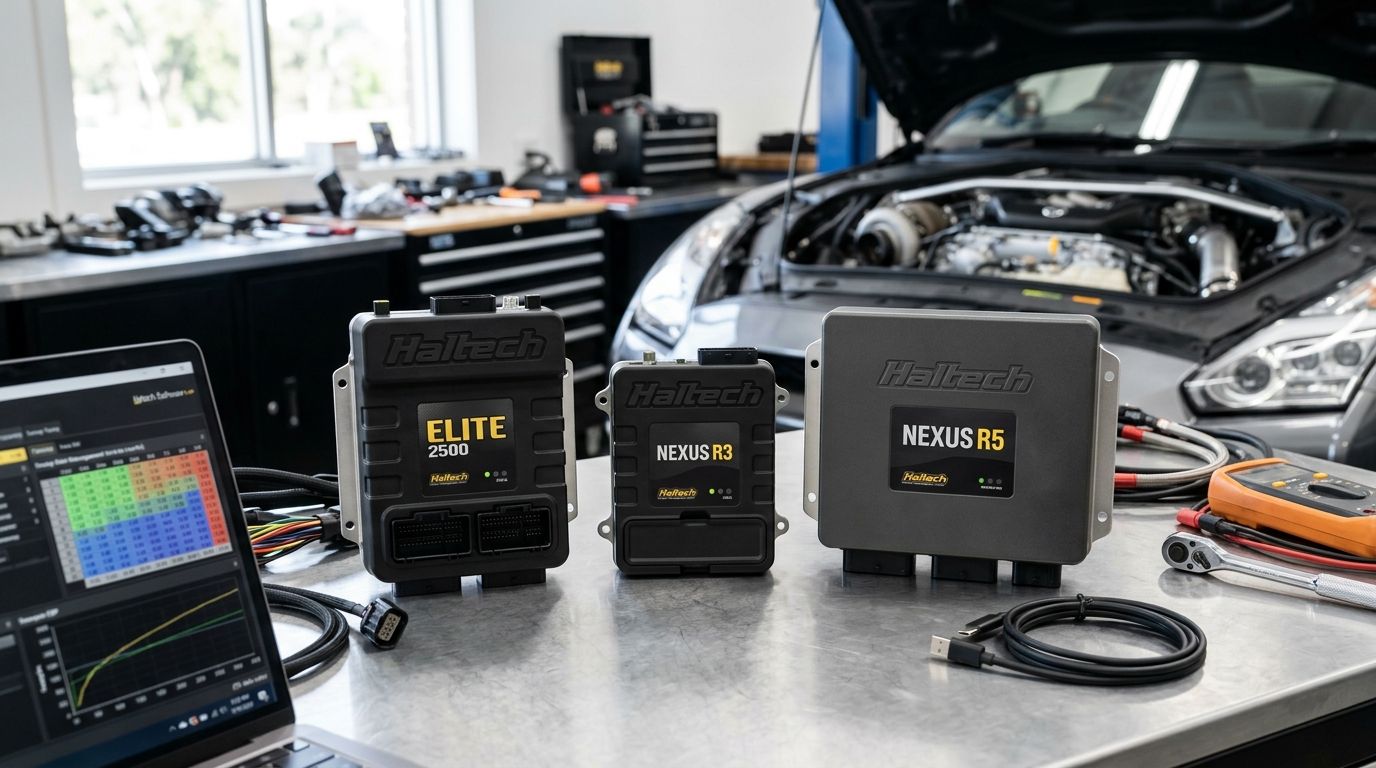
Gear-based boost control is one piece of a larger tuning picture on a Haltech Elite ECU. If you're deciding which Elite model suits a turbo six-cylinder build in the first place, the Haltech ECU options for turbocharged six-cylinder builds covers the differences between the Elite 1500, 2500 and 2750 for CAN input count and table complexity - correct that link before publishing if the domain differs from spoolimports.byryze.com.
Once the table is running, you'll want to see gear and boost target live rather than just logging them. A Haltech IC-7 dash can display current gear and live boost target side by side, which makes it obvious on track whether the table is behaving as mapped. For big-power straight-six or Barra builds where traction in the lower gears is the whole reason you're doing this in the first place, the RB30 build guide and the 1000hp Barra combination guide both cover the driveline and traction context that makes gear-based boost control worth setting up in 2026 rather than running a flat target.
Choosing the right Elite ECU?
Compare Elite models before you wire up gear-based boost control.
FAQ
Can a Haltech Elite ECU control boost by gear?
Yes, the Elite platform lets you index the boost target table by a Gear channel instead of only RPM and throttle position. This requires a working gear signal, either read from CAN or calculated from speed sensors, before the table axis can reference it.
Do I need a sequential gearbox for gear-based boost control?
No. A sequential box with a CAN gear position signal is the simpler setup, but an H-pattern manual can use a calculated gear channel built from engine speed and driveshaft or wheel speed against known gear ratios.
Why does my calculated gear channel show the wrong gear sometimes?
This usually happens during a clutch dip or wheel slip when the speed ratio momentarily doesn't match any gear band. Adding a short debounce or hold time to the channel stops it acting on that one bad reading.
What boost targets should I run in 1st and 2nd gear?
Lower than the target used from 3rd gear onward, since traction rather than engine capability is the limit in the lower gears. Exact numbers depend on tyre, weight and driveline, so start conservative and adjust from logged data.
Does gear-based boost control replace closed-loop boost control?
No, it works alongside it. Closed loop boost control manages how the solenoid hits a target; gear-based control decides what that target is at any given moment.
Can I also change how fast boost builds per gear?
Yes, the Boost Ramp Rate table can be indexed by Gear separately from the target table, which smooths out the spike that a hard target step can cause on an upshift.
Is this feature exclusive to the Elite series?
Table-axis flexibility for boost control by gear is a function of the Elite platform's table configuration; check your specific Haltech ECU's table options in ECU Manager before assuming it applies.
One last thing
The part builders skip is testing the Gear channel on the hoist before it ever touches the boost table - if the gear signal is wrong at idle on a stand, it will be wrong at full throttle on the road, just with worse consequences. Confirm the Gear channel matches the physical gear selected through every ratio before you download a single boost value in 2026.